 Purchasing
 Inventories and waste
 Analytics and performance
 Recipe cards
 HACCP
 Mobile app
 Invoices and prices
 AI assistant
 Multi-location groups
 Casual dining
 Fast food
 Hotels
 Food courts
 Bakeries
POS integration
Trivec and Yokitup integration
- Sales from the bar, the restaurant and the hotel
- Drinks tracked to the centiliter through recipe cards
- Stock counted by area: cellar, storeroom and bar
They trust us












About Trivec
The POS for bars, restaurants and hotels
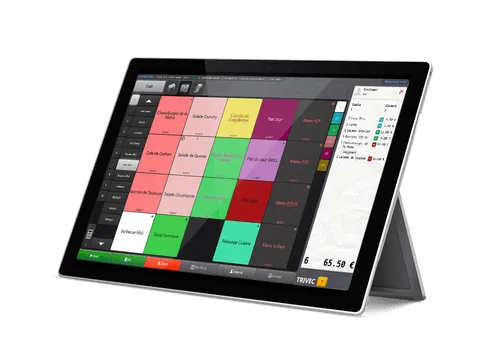
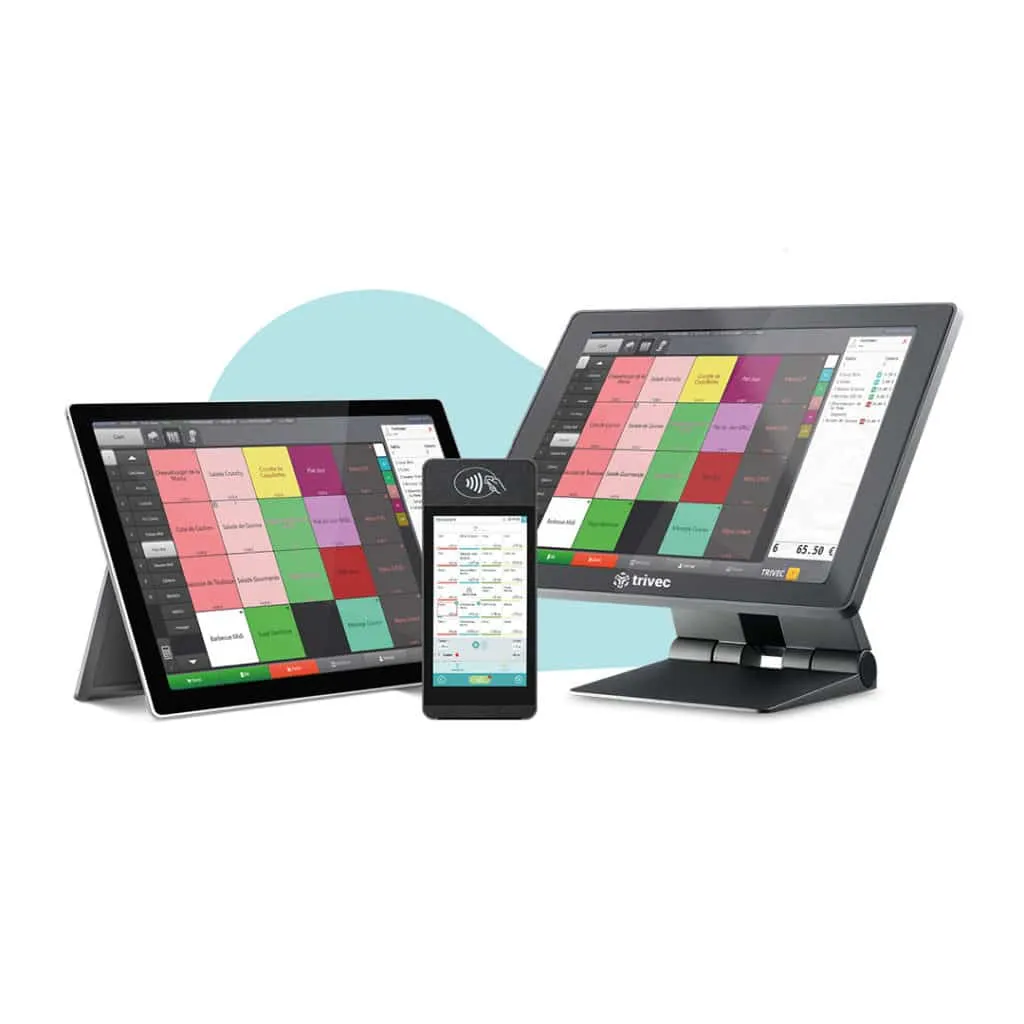
Trivec equips restaurants, bars, nightclubs and hotels with a tablet POS. Its specialty is drinks, with electronic pourers that serve the same amount in every glass, a self-service beer wall and automatic beer dispensers.
- HandyPay to take orders and payments on a single terminal
- QR code ordering with Buddy
- Restaurant and bar bills transferred to the hotel PMS
- Support available 24/7
From POS to margins
How does the Trivec integration work?

Your sales flow in from the POS
Once connected, sales from every restaurant flow into Yokitup automatically, product by product, with no export or re-entry.

Your stock updates
Combined with your recipe cards, sales give the consumption of every raw material. Yokitup works out the theoretical stock of each restaurant from it.

Your orders are suggested
Based on your past sales and your stock, Yokitup forecasts your needs and suggests the quantities to order from each supplier.

Your variances and margins are tracked
By comparing theoretical stock with your inventory counts, you spot variances and track your food cost and margins, restaurant by restaurant.
Bars, clubs and hotels
Every glass counted, from the bar to the cellar
At the bar, variances come down to the centiliter. Alongside your pourers, Yokitup matches your Trivec sales with your inventory counts to show where every bottle goes. Groupe Bourdoncle and Loulou Groupe rely on this pairing to track the stock of their venues.
Every glass traced back to its bottle
Your recipe cards set the measure for each glass and each cocktail. Trivec sales then give the theoretical consumption of each bottle, to compare with your inventory counts.
Inventory counted by storage area
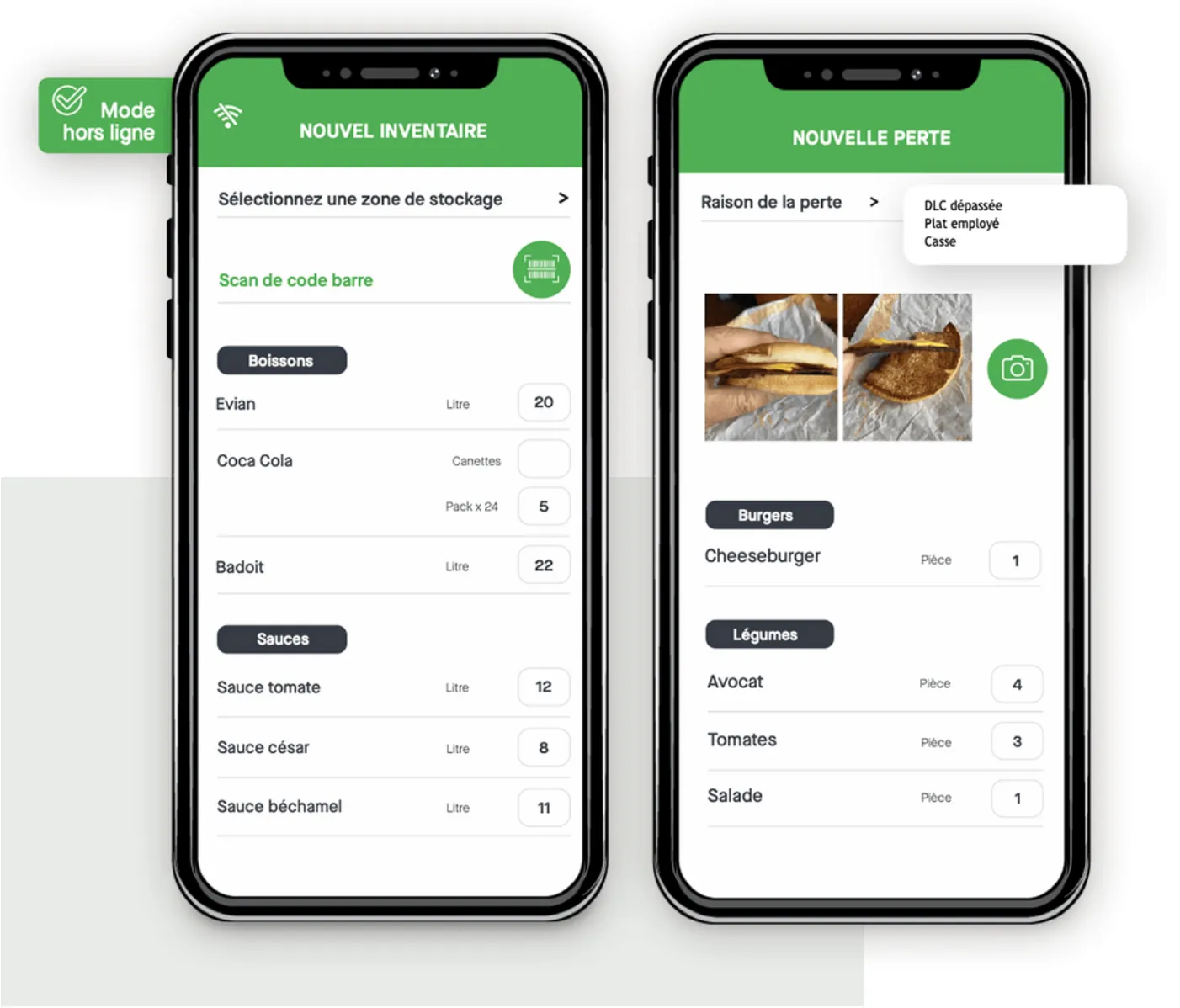
Cellar, storeroom, bar, you count each area separately in the Yokitup mobile app, even without a connection.
Every hotel outlet tracked
Each restaurant and bar in the hotel has its own stock and its own margins, and you keep an overview of the whole property.
Frequently asked questions about the Trivec integration
Which Trivec sales flow into Yokitup?
Sales from every venue, product by product, whether they are entered on the POS or on HandyPay terminals. Combined with your recipe cards, they give the consumption of each raw material and each drink.
Does Yokitup replace electronic pourers?
No, the two work together. Pourers serve the right amount in every glass, and Yokitup compares sales with the stock actually used to reveal breakage, unpaid drinks or entry errors.
Does the integration suit a hotel with several outlets?
Yes. Each restaurant or bar in the hotel is tracked separately, with its own stock, orders and margins, and you can transfer stock from one outlet to another.
How do I connect Trivec and Yokitup?
The connection is made via API, with support from our team. Trivec remains your POS and drinks management tool, and Yokitup handles your purchasing, inventory and margins.
About Yokitup Stock
Equip your teams with a complete, intuitive solution
Supplier orders
Learn moreOrder the right quantities in just a few clicks

Inventories and waste
Learn moreSimplify your inventory counts and identify your waste
Recipe cards
Learn moreSimple management of your recipes and cost prices

Production management
Learn morePlan and organize your production from A to Z

Analytics and performance
Learn moreAll your key figures centralized on your dashboard
Step up a gear!
Adopt Yokitup with no commitment
- Web and mobile app
- Personalized support
- Integrated with your tools