 Purchasing
 Inventories and waste
 Analytics and performance
 Recipe cards
 HACCP
 Mobile app
 Invoices and prices
 AI assistant
 Multi-location groups
 Casual dining
 Fast food
 Hotels
 Food courts
 Bakeries
POS integration
Belorder and Yokitup integration
- Sales from kiosks, the POS and online ordering
- Theoretical stock and food cost for every restaurant
- A catalog ready for every new opening
They trust us











About Belorder
From kiosk to checkout, a single platform
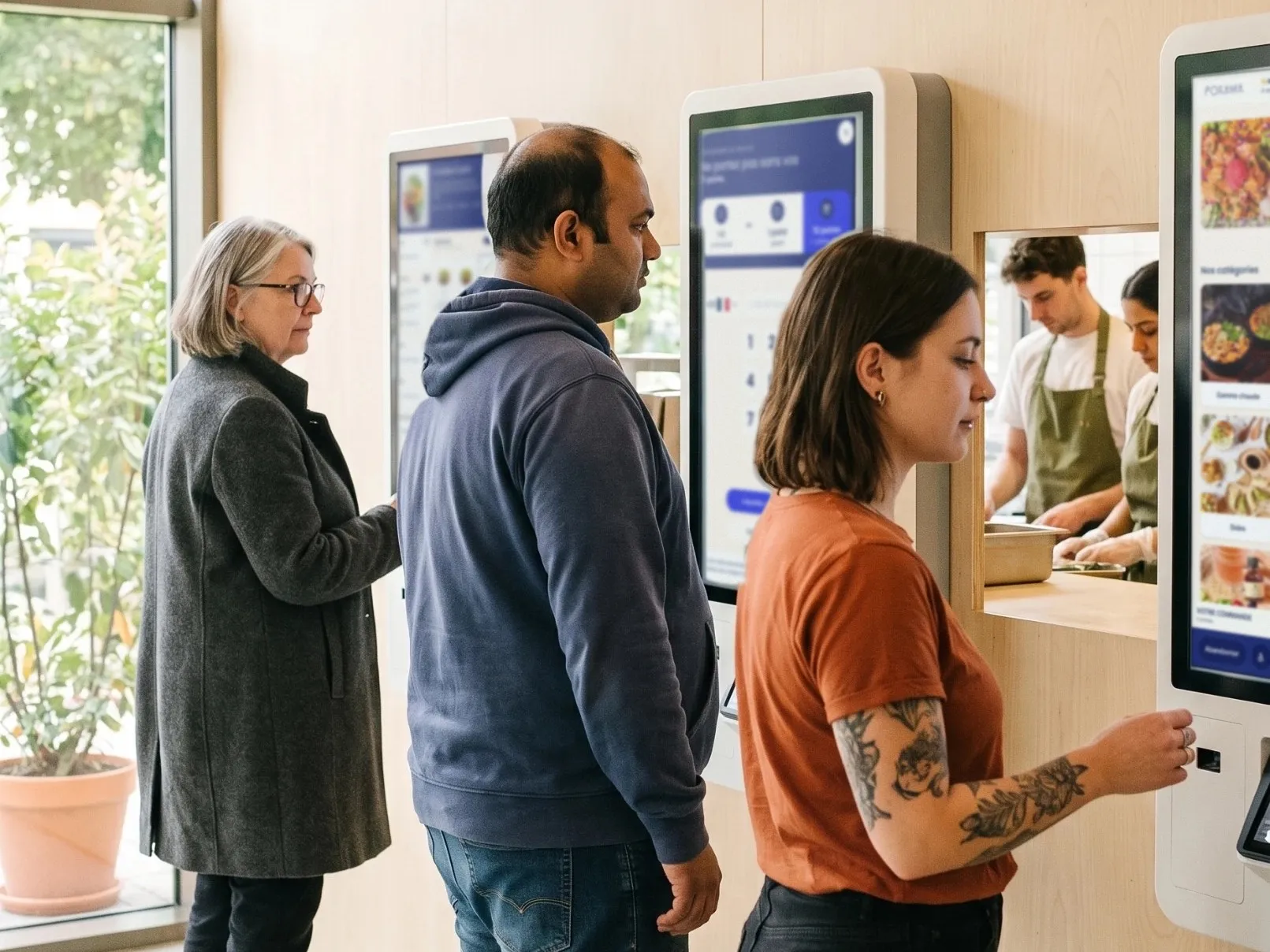
A long-standing specialist in self-order kiosks, Belorder equips more than 100 brands and 1,000 outlets. With its new POS, ordering, checkout and payment are now managed in the same environment, from the first restaurant to a franchise network.
- Self-order kiosks, Click & Collect, delivery and a mobile app
- A POS and Belorder Pay to take payments at the counter and online
- Kitchen display screens (KDS) and customer call screens
- A back office to track every outlet and the loyalty program
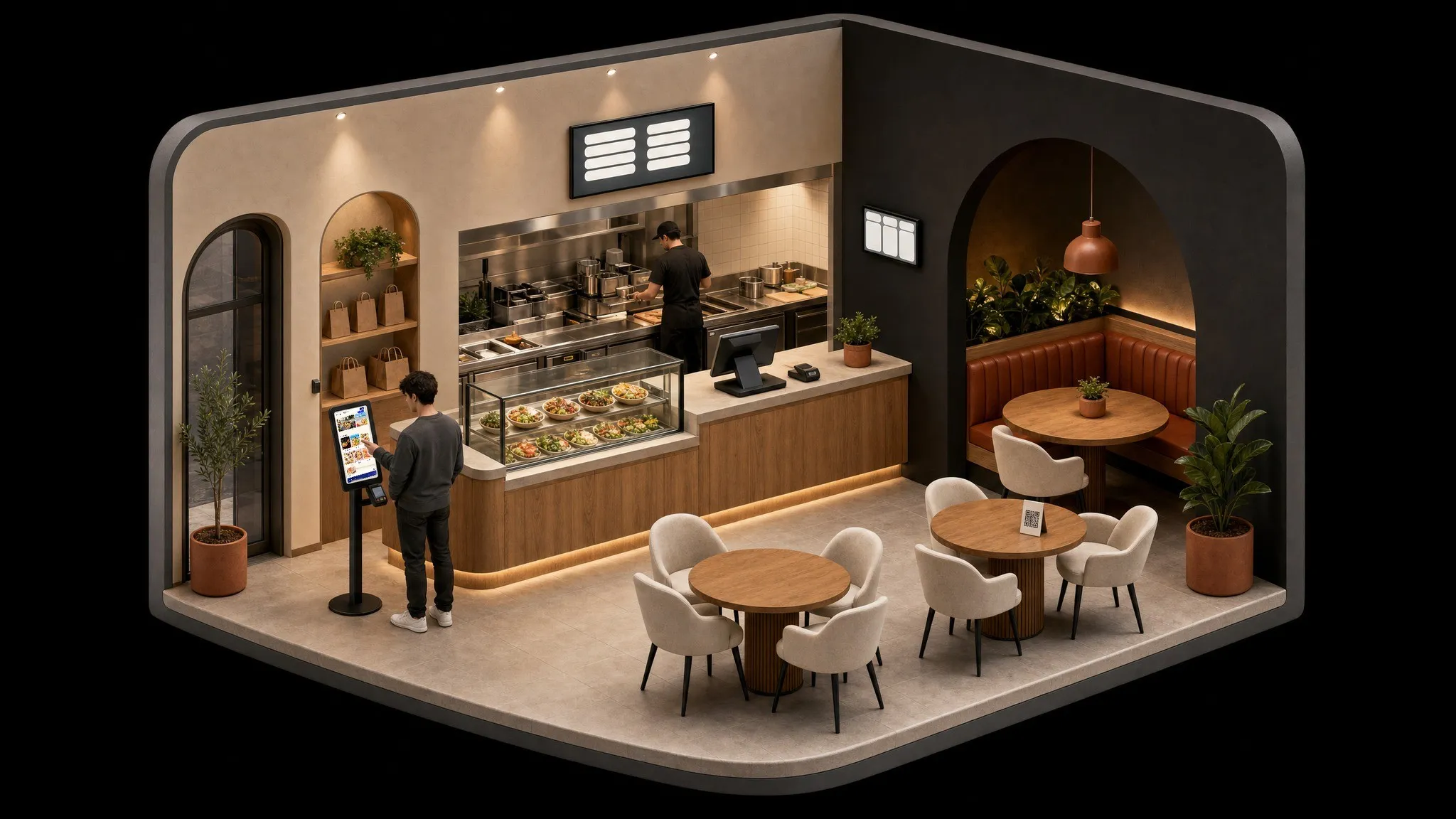
From POS to margins
How does the Belorder integration work?

Your sales flow in from the POS
Once connected, sales from every restaurant flow into Yokitup automatically, product by product, with no export or re-entry.

Your stock updates
Combined with your recipe cards, sales give the consumption of every raw material. Yokitup works out the theoretical stock of each restaurant from it.

Your orders are suggested
Based on your past sales and your stock, Yokitup forecasts your needs and suggests the quantities to order from each supplier.

Your variances and margins are tracked
By comparing theoretical stock with your inventory counts, you spot variances and track your food cost and margins, restaurant by restaurant.
Chains and franchises
Every opening starts on the right foot
Belorder rolls out the same kiosks and the same POS in every new restaurant. Yokitup does the same for purchasing and stock. Every sale, from kiosk to counter, is turned into raw material consumption through your recipe cards.
Every channel in the same stock
Whether an order goes through a kiosk, the POS, Click & Collect or the app, it counts in the stock of the restaurant that prepares it.
Franchisees who order just right
Each franchisee receives suggested quantities based on its own Belorder sales, and head office tracks purchasing across the whole network.
A new restaurant ready on opening day
Yokitup shares your brand's catalog with its products, suppliers and recipe cards. The new outlet only has to do its first inventory count.
Frequently asked questions about the Belorder integration
Which Belorder sales flow into Yokitup?
Sales from every outlet, product by product, whether they go through the POS, kiosks, Click & Collect or the mobile app. Combined with your recipe cards, they give the consumption of each raw material.
How do I connect Belorder and Yokitup?
You need a Belorder account and a Yokitup Stock subscription. Our team helps you link your outlets, and sales then flow into Yokitup automatically.
How do I open a new restaurant with Belorder and Yokitup?
Once the new outlet is connected, it picks up the brand's catalog in Yokitup. Products, suppliers and recipe cards are already there; all that is left is the first inventory count.
Does each franchisee only see its own data?
Yes. Permissions are set by role and by location. Each franchisee manages orders and inventory counts for its own outlets, while head office keeps an overview of the whole network.
About Yokitup Stock
Equip your teams with a complete, intuitive solution
Supplier orders
Learn moreOrder the right quantities in just a few clicks

Inventories and waste
Learn moreSimplify your inventory counts and identify your waste
Recipe cards
Learn moreSimple management of your recipes and cost prices
Production management
Learn morePlan and organize your production from A to Z

Analytics and performance
Learn moreAll your key figures centralized on your dashboard
Step up a gear!
Adopt Yokitup
- Web and mobile app
- Personalized support
- Integrated with your tools