 Purchasing
 Inventories and waste
 Analytics and performance
 Recipe cards
 HACCP
HACCP Mobile app
 Invoices and prices
 AI assistant
 Multi-location groups
 Casual dining
 Fast food
 Hotels
 Food courts
 Bakeries
POS integration
Cashpad and Yokitup integration
- All your Cashpad sales, even on the busiest nights
- Theoretical stock and food cost for every location
- A catalog ready from the day a new restaurant opens
They trust us












About Cashpad
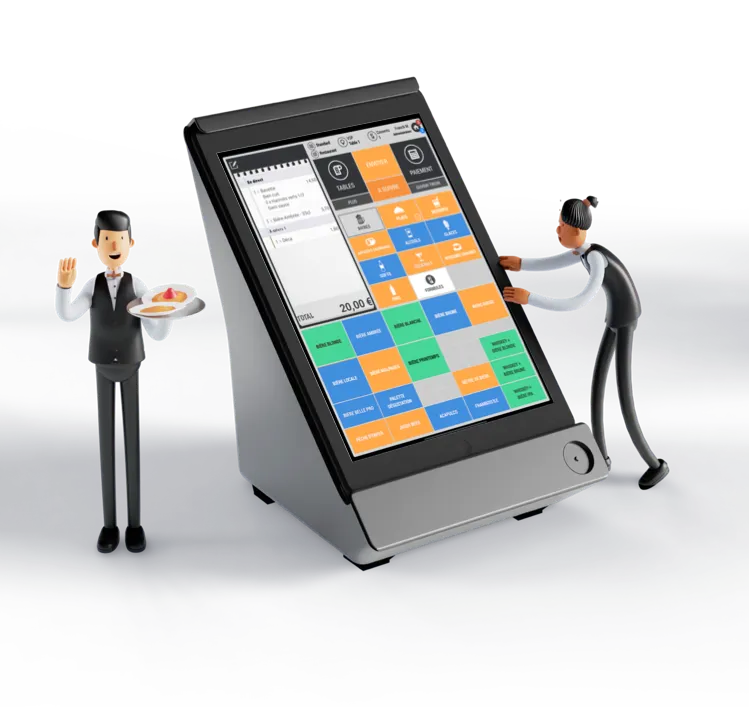
The iPad POS that handles big services
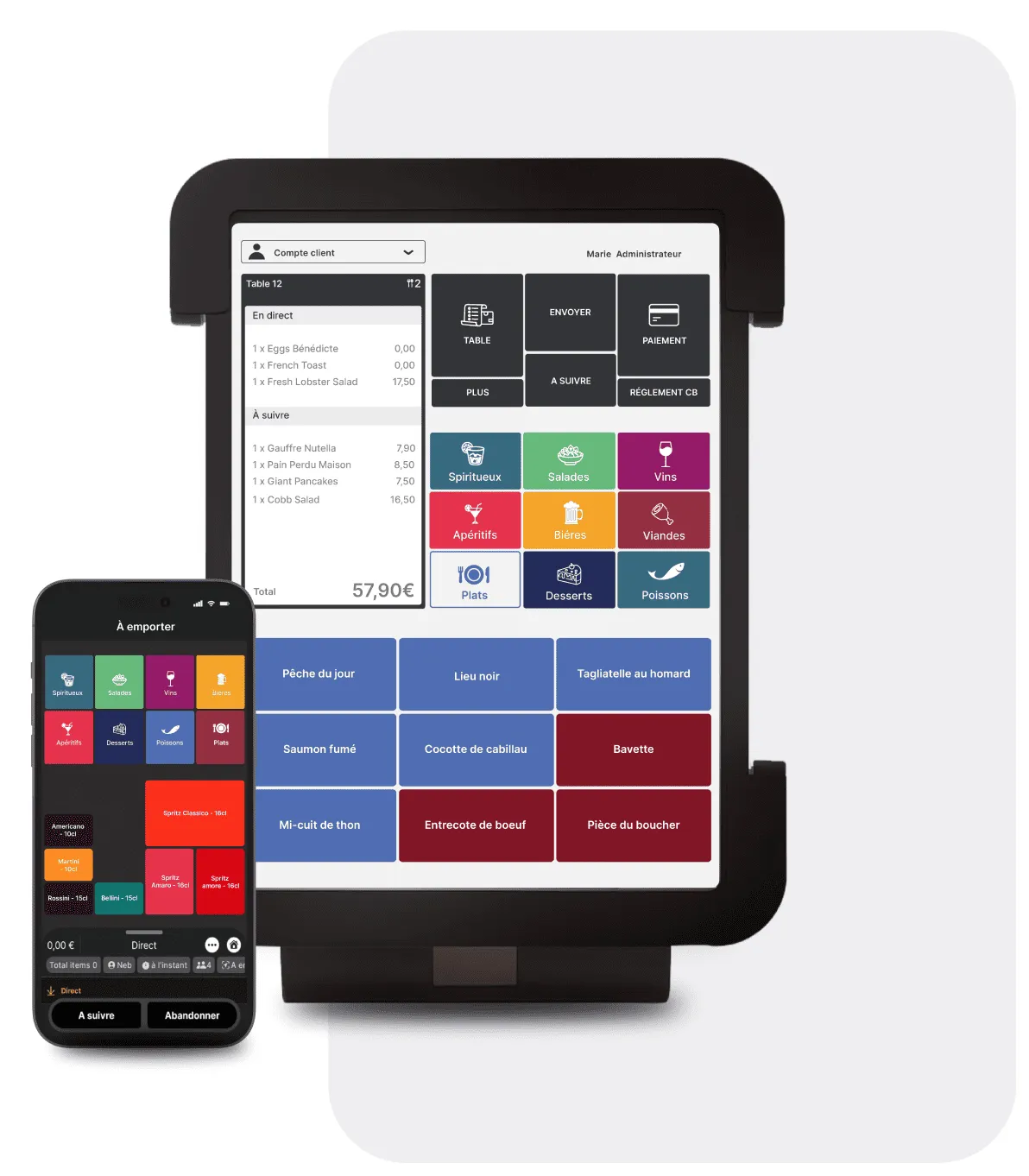
Cashpad is an iPad POS designed to stay simple during the busiest services, in casual dining as in fast food, in brasseries or bakeries. Its box creates its own private Wi-Fi network, so you keep taking payments even when the internet connection drops.
- Over 7,500 tickets a day without slowing down
- A mobile POS on iPhone and Android, with Tap to Pay
- A kitchen display that receives orders as soon as they are entered
- Menus edited remotely and setups duplicated from one location to the next
From POS to margins
How does the Cashpad integration work?

Your sales flow in from the POS
Once connected, sales from every restaurant flow into Yokitup automatically, product by product, with no export or re-entry.

Your stock updates
Combined with your recipe cards, sales give the consumption of every raw material. Yokitup works out the theoretical stock of each restaurant from it.

Your orders are suggested
Based on your past sales and your stock, Yokitup forecasts your needs and suggests the quantities to order from each supplier.

Your variances and margins are tracked
By comparing theoretical stock with your inventory counts, you spot variances and track your food cost and margins, restaurant by restaurant.
Brasseries and chains
High-volume services, stock under control
In a brasserie, hundreds of covers per service quickly throw stock off. With Cashpad and Yokitup, every sale is turned into raw material consumption through your recipe cards, and variances show up at the next inventory count. Brands such as 3 Brasseurs track the stock of each of their locations this way.
From the busiest nights to quiet services
Yokitup uses your sales history to forecast your needs day by day. You order more before the weekend and avoid surplus during the week.
A long menu, food cost under control
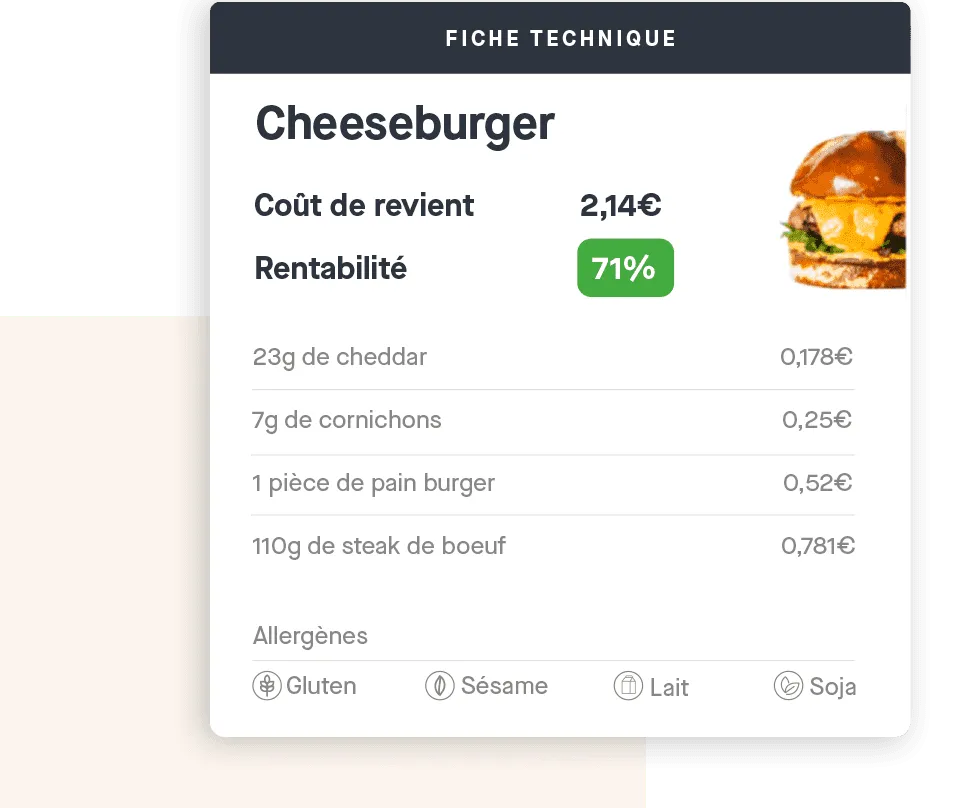
Every dish sold is matched with its recipe card. You see the food cost of the whole menu and spot the dishes that weigh on your margin.
A new location ready from opening day
Cashpad duplicates your POS setup, and Yokitup shares your brand's catalog with its products, suppliers and recipes. The new restaurant starts out with the right tools.
Frequently asked questions about the Cashpad integration
Which Cashpad sales flow into Yokitup?
Sales from every location, product by product, whether they are entered on the iPad POS or the mobile POS. Combined with your recipe cards, they give the consumption of each raw material.
What happens when the internet connection drops?
Cashpad keeps taking payments thanks to its own Wi-Fi network. Sales recorded during the outage are sent once the connection is back, then flow into Yokitup like the others.
How do I open a new location with Cashpad and Yokitup?
Once the new restaurant's Cashpad POS is connected, it takes over the brand's catalog in Yokitup. Products, suppliers and recipe cards are already there, so all that is left is the first inventory count.
How do I connect Cashpad and Yokitup?
The connection is made via API, with support from our team. Cashpad remains your POS, and Yokitup takes care of your purchasing, inventory and margins.
About Yokitup Stock
Equip your teams with a complete, intuitive solution
Supplier orders
Learn moreOrder the right quantities in just a few clicks

Inventories and waste
Learn moreSimplify your inventory counts and identify your waste
Recipe cards
Learn moreSimple management of your recipes and cost prices

Production management
Learn morePlan and organize your production from A to Z

Analytics and performance
Learn moreAll your key figures centralized on your dashboard
Step up a gear!
Adopt Yokitup
- Web and mobile app
- Personalized support
- Integrated with your tools